
Pre-launchNow taking early-access requests
Find AI tools worth using, and the people who built them.
A visual feed of real tools and workflows. Watch each one run, see how it’s built, remix it for yourself and ask the person who made it. Made something? Post it and see who builds on it.
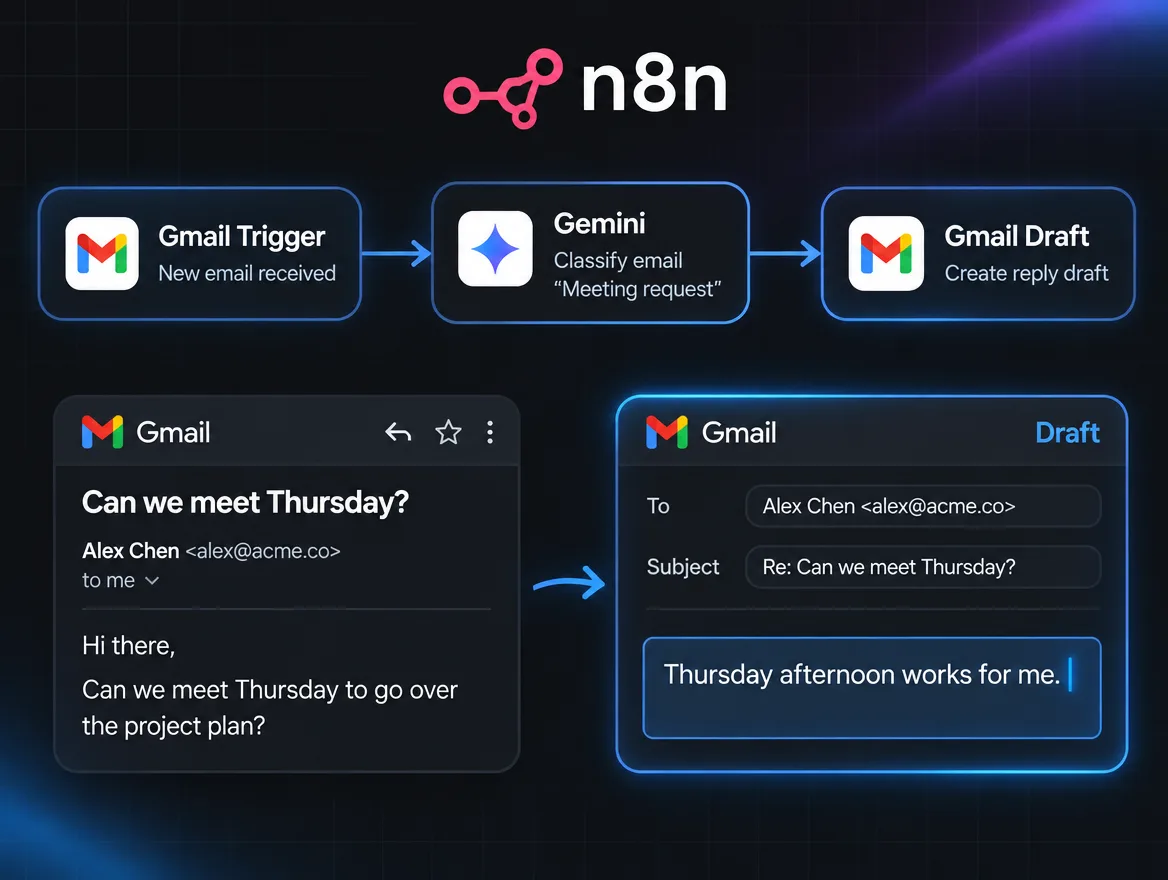
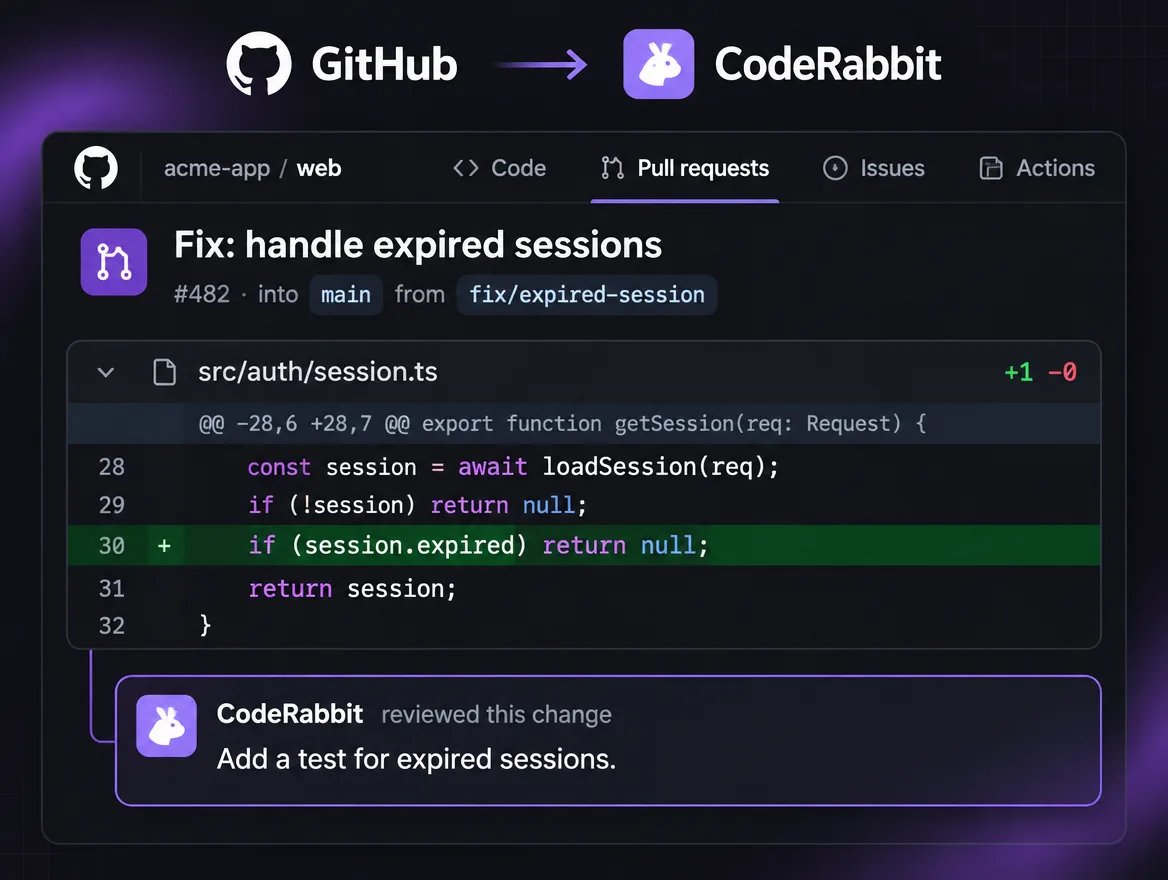
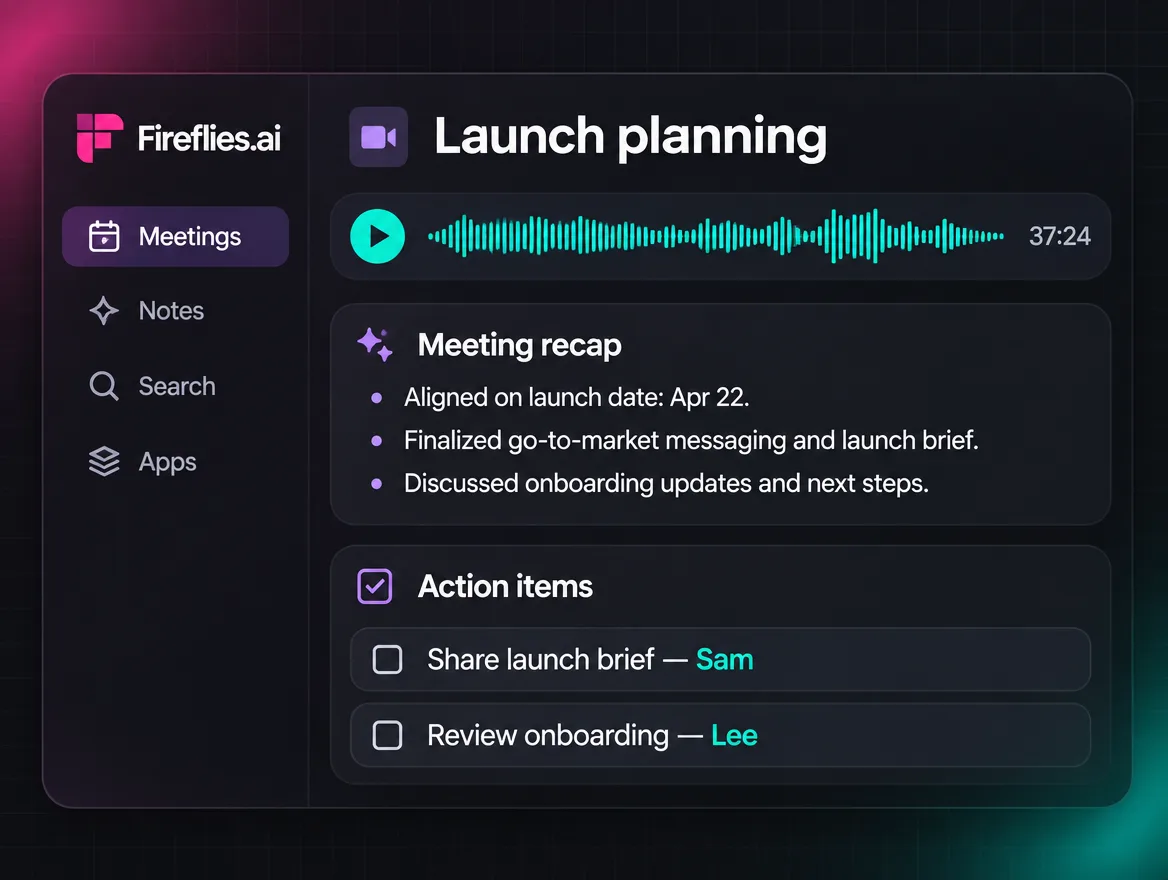
Prototype preview. The Explore feed shows a grid of posts, each led by a clip or screenshot of a tool working. The pointer moves to a workflow called Inbox triage that drafts your replies, and its clip starts.
Prototype preview. The post's clip plays: four new emails are labelled Reply, FYI or Read later, and a reply to the first is drafted for approval. The viewer presses Save, and a confirmation says it was saved to a collection called Automate my inbox.
Prototype preview. The How it's built tab lists the recipe in four steps and the attached files: the n8n workflow, two prompts and a README. The viewer presses Remix this workflow, and a confirmation says their copy is ready to edit and credits the original.
Prototype preview. Under the post, the viewer types and asks: does it work with Outlook? The creator replies that this version doesn't, suggests swapping the two Gmail steps, and asks them to post it as a take if they try.
Prototype preview. The viewer posts their version, titled Inbox triage for Outlook, with a short clip and a note on what changed. It is marked as remixed from the original. The original creator gets a notification and the count of takes goes from 46 to 47.
Browse a feed of tools people actually use, each shown working. One catches your eye: inbox triage that drafts your replies.
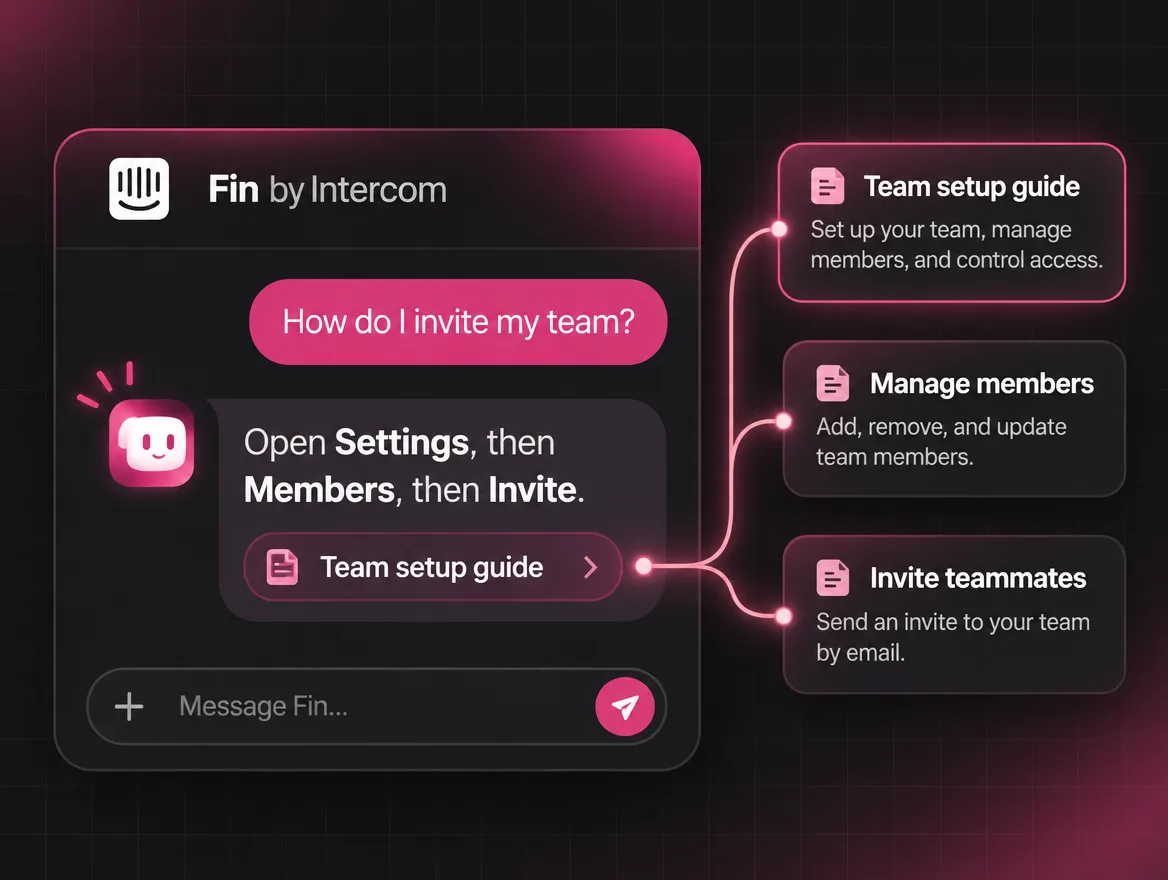
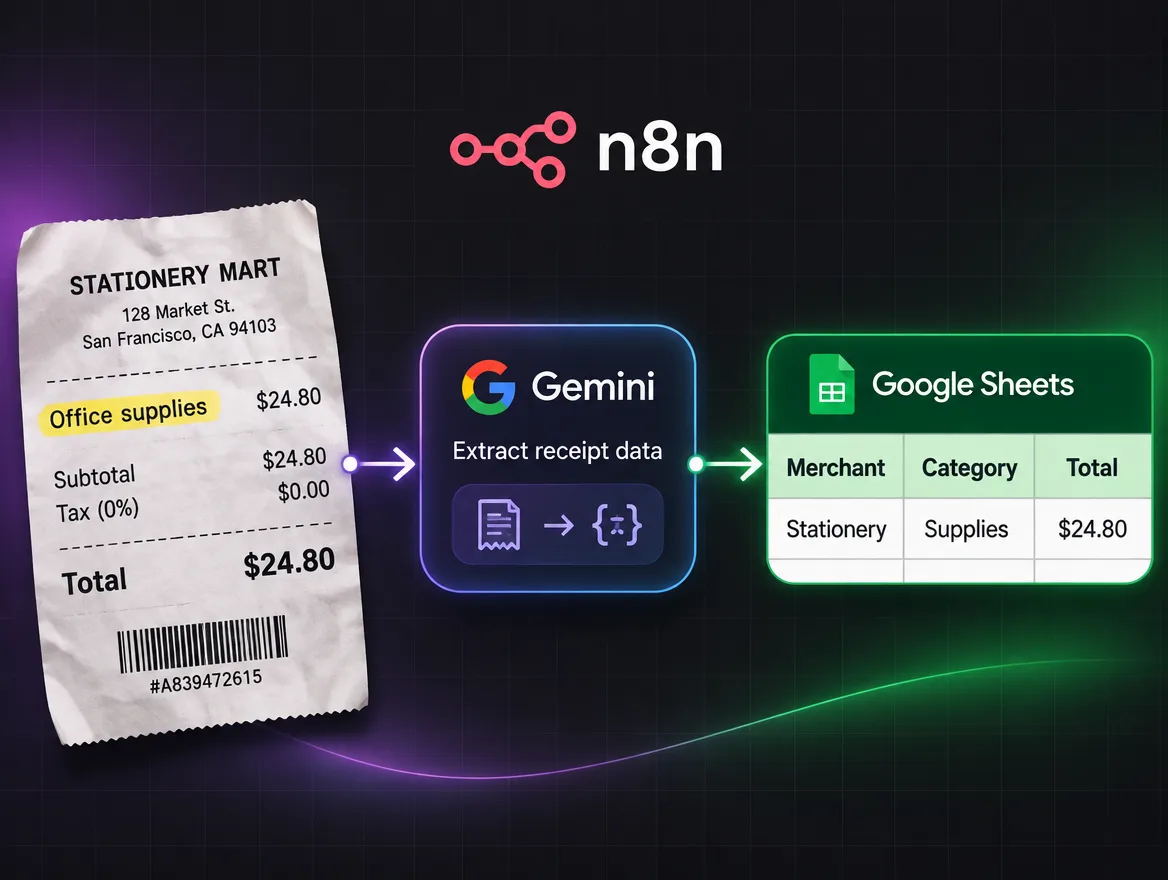
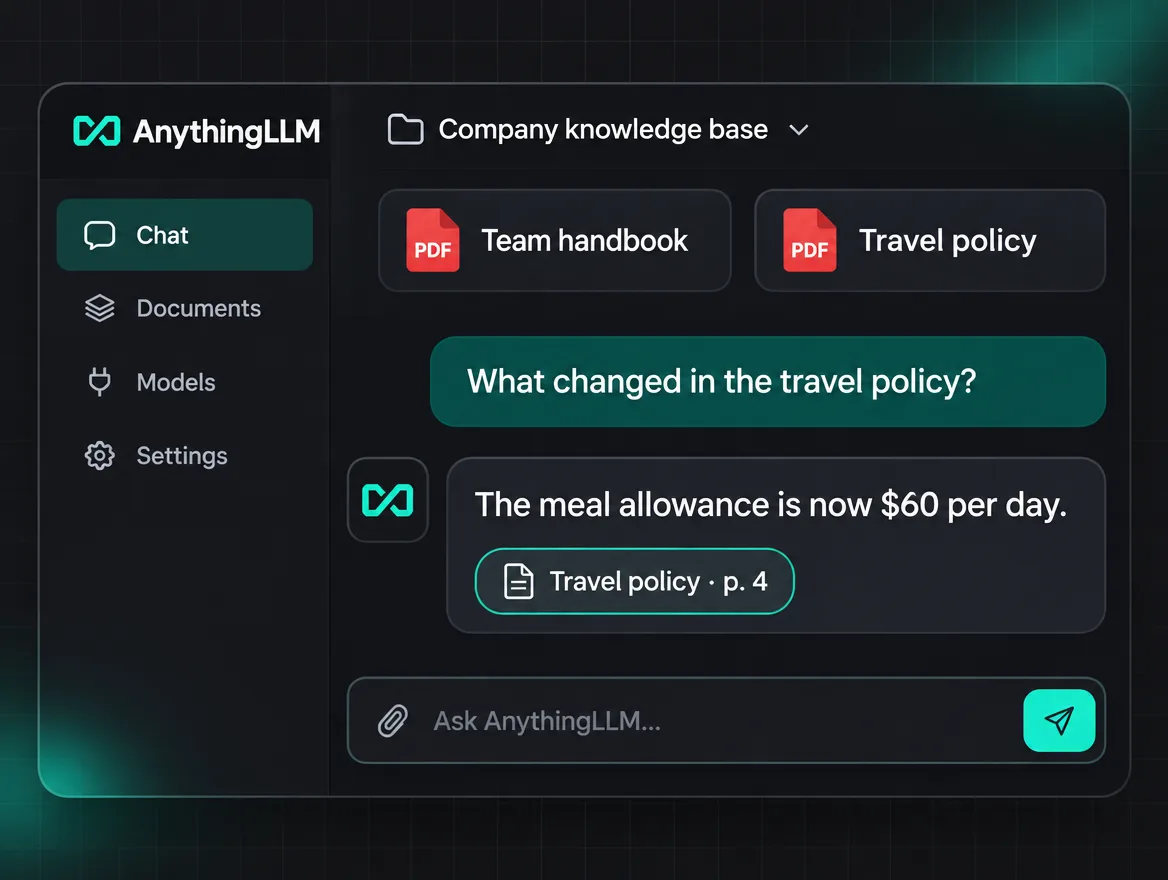
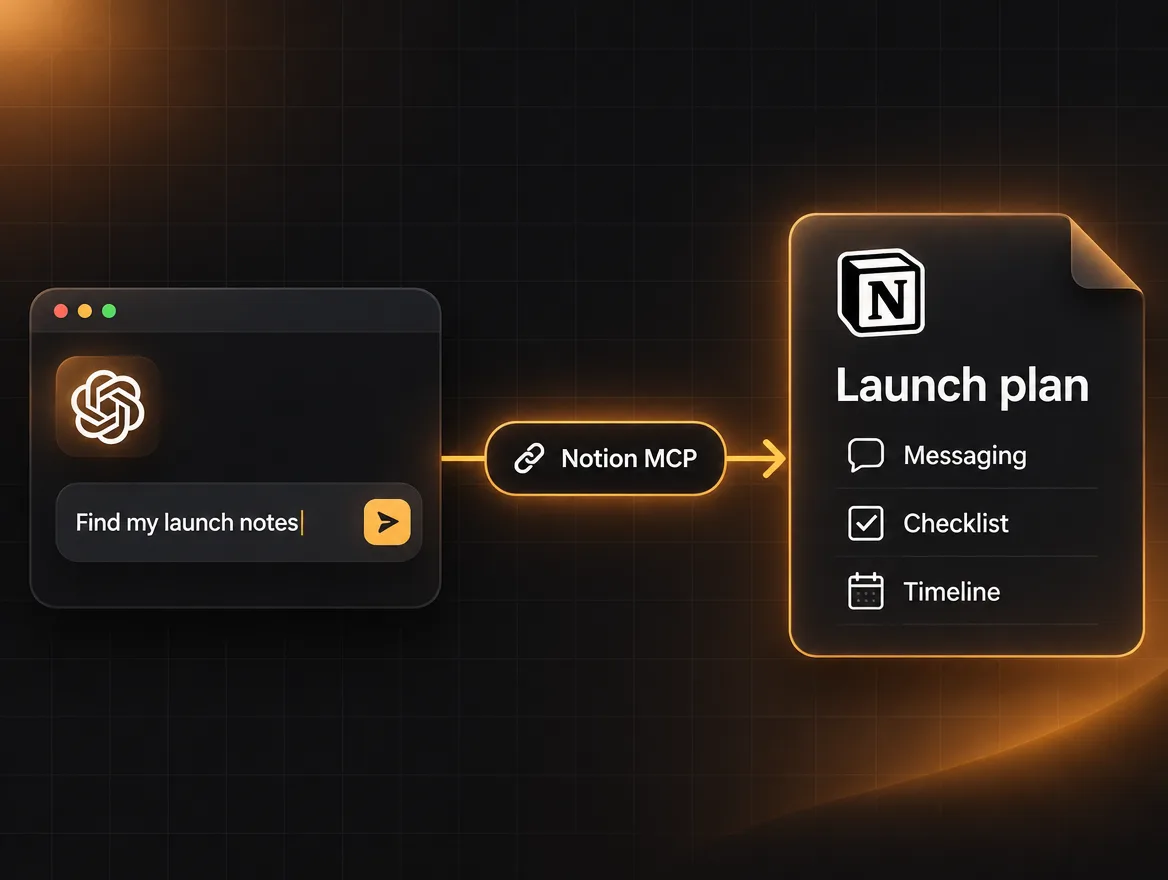
Posts can use any model, framework or tool. A few you’ll see:
Drag to spin, or tap a logo.
Discover
A feed of AI you'd actually use.
Every post leads with the thing working: a short clip or a few screenshots. Browse by the job you want done, like email, meetings or code, and save what's worth coming back to.
What's here if you're exploring- See it before you set it upPosts open on the tool doing its job, so you know in seconds what you'd get.
- Browse by the jobStart from email, meetings, support or code, not from a model name you need to know already.
- Newest first, not rankedExplore, Following and Latest, in time order. No engagement algorithm choosing for you.
Instead ofHype threadsScreenshots with no sourceDemos you can't try
Build on it
See exactly how it's built. Then make it yours.
Open a post and the recipe is there: the steps in order, the tool behind each one, the prompts and the files. Remix it to start your own version, with credit to the original built in.
What goes on a post- The recipe, step by stepWhat sets it off, what each step does and which tool does it.
- The files, ready to useWorkflow exports, prompts and a README to download or open in the tool it was built with.
- Takes, with creditA remix links back to the original, and the original lists every take, so you can compare versions.
Instead of“Comment for the template”Prompts in screenshotsTutorials that skip a step
Ask
Ask the person who built it.
Questions live under the post they're about, so the answer is waiting for the next person. Sort by Top, New or Unanswered.
- Answers get markedWhen a reply solves it, it's marked as the answer and shown first.
- Helpful, never downvotedMark what helped. There are no downvotes, and beginner questions are welcome.
Instead ofReplies that scroll awayMessaging strangers
Post yours
Post what you made. See who builds on it.
A post is a clip, a title and a sentence, plus the recipe and files if you want to share them. Then you can see who saved it, what they built from it and what they want to know.
Why creators post here- More than likesSaves, takes and questions show what people actually used, not only what they scrolled past.
- Updates reach the people using itPost v2 and everyone who saved it or built on it hears about it.
- A portfolio by defaultYour profile collects everything you've posted, at an address you can put in a bio.
Instead ofPosting into the voidA repo nobody findsExplaining it again in every DM
Useful on your first day with AI, or your thousandth.
New to this? Start from a job you already do. Already building? Go straight to the files and see how other people solved it.
If you're new
Start from the job, not the jargon.
Search for what you want done, like “summarise my meetings”. Results say what each one does and how long it takes to set up.
Exploring without buildingIf you're new
Know what it takes before you start.
A post can say what it works with, what you'll need and roughly how long setup takes.
Prototype preview of a Before you start card for a meeting notes workflow: it works with Google Meet and Zoom recordings, files notes to Notion, needs an OpenAI API key, takes about 15 minutes to set up and comes with a step-by-step README. It is marked as a good first workflow.
If you build
Compare how other people solved it.
Takes show exactly what each person changed, so you can start from the version closest to your setup.
Prototype preview of the takes of the inbox workflow, most liked first: a version for Outlook that changes two steps, one that adds Slack alerts, and one for support inboxes that edits the sorting prompt.
Either way
Keep what you find.
Save posts into collections. Keep them private, or share one with your team.
Why ask for access now.
There’s nothing to use yet, and we won’t pretend otherwise. This is what asking early gets you.
Request early accessOne email when your place opens. Nothing else unless you ask.
- A place in the first groups.Invites go out in small groups while the first version is tested. Requests are how we decide who is in each one.
- Your work on the first page.Creators in the first groups post before the doors open, so theirs is what everyone finds on day one.
- A say in what comes next.Early members talk to the team directly. What you ask for shapes what gets built after the first version.
The pilot
Built for the people who post first.
There are no members to count yet, and we won’t invent any. So here’s what we can show: what a creator gets back from one post, and the rules the pilot runs on.
- 3things to postA clip, a title and one sentence on what it does. Files and prompts are optional.
- 1click to remixYour copy links back to the original and names who made it.
- 14categories to startFrom email and meetings to local models and MCP servers.
- 0downvotesHelpful marks and answers instead. Nobody gets buried for trying.
- 0ranking algorithmsExplore, Following and Latest, ordered by time.
Prototype preview
Example data for an example post: Priya’s inbox triage, saved 1,312 times in its first month, most on day 4, with a second rise on day 18 when v2 was posted.No testimonials yet. Here’s what we promise instead.
Nobody has used Evolunn, so nobody can vouch for it. These are the commitments it’s being built on.
No invented activity.
Every post will be real, from the person who made it. No pretend users, no seeded likes, nothing to fill the room.
See where things standCredit travels with the work.
A take always links back to the original and names who made it. The original lists every take built on it.
See where things standA feed you can understand.
Explore, Following and Latest, ordered by time. You'll be able to tell why something is in front of you.
See where things stand
Where this stands.
Evolunn hasn’t launched, and we’d rather tell you that plainly than show you a countdown. This is the order things will happen in. We’ll add dates when we can keep them.
See what’s available today and what’s a previewNow (current stage)
Building the first version
The visual feed, posts with clips and recipes, files you can download, remixes that credit the original, questions with marked answers, saves and collections, profiles, search and notifications.
Next
Private early access
People on the list are invited in small groups. The first groups lean toward creators with something to post, so there is plenty to browse when everyone else arrives.
Then
Public launch
Once the pages are good and the feed changes every day. We won't open the doors on an empty room.
Later
An API and MCP server for agents
Planned, not started. Agents will be able to find posts and draft updates to them, clearly marked as theirs, and nothing is published without the creator's approval.
Fair questions.
Is Evolunn live?
Not yet. It's being built now. Requesting early access puts you on a list, and we'll email you when your place opens.
Are these real screenshots?
No. They're prototype previews of the product we're building, shown with example posts and people. The finished product will differ in its details.
I'm new to AI. Is this for me?
Yes. Posts start from the job a tool does, show it working before you set anything up, and say what you'll need. Beginner questions are welcome under every post.
Do I need to have built something?
No. Browsing, saving, remixing and asking questions are a full way to take part. Post something if and when you want to.
What can I post?
Anything you built or automated with AI: a workflow, an agent, a tool, an MCP server, a weekend experiment. It doesn't have to be finished or polished. It does have to be yours.
Do I have to share my files or prompts?
No. A clip, a title and a sentence are enough to post. The recipe and files are optional, and you choose whether other people can remix it.
What happens to my email address?
It's kept for one purpose: telling you when your place opens. The privacy page says exactly what we store and how to have it removed. Read the privacy page
Be there when it opens.
Evolunn is still being built. Leave your email and we'll write when there's a place for you. Bring something you've made, or a job you'd like AI to take off your hands.