
Find AI that does a job you already have.
You don’t need to build anything to get a lot out of Evolunn. Browse tools people use every day, watch them work, save the ones worth trying and ask the people who made them.
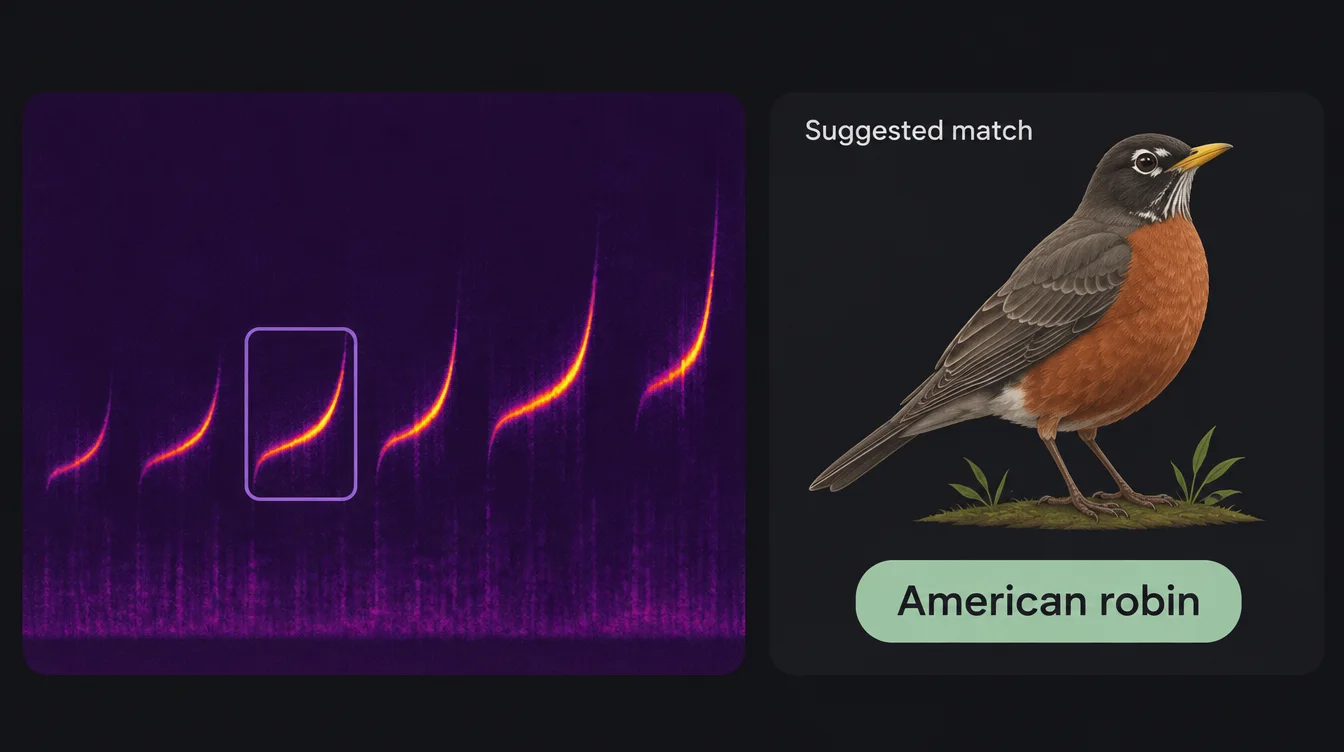
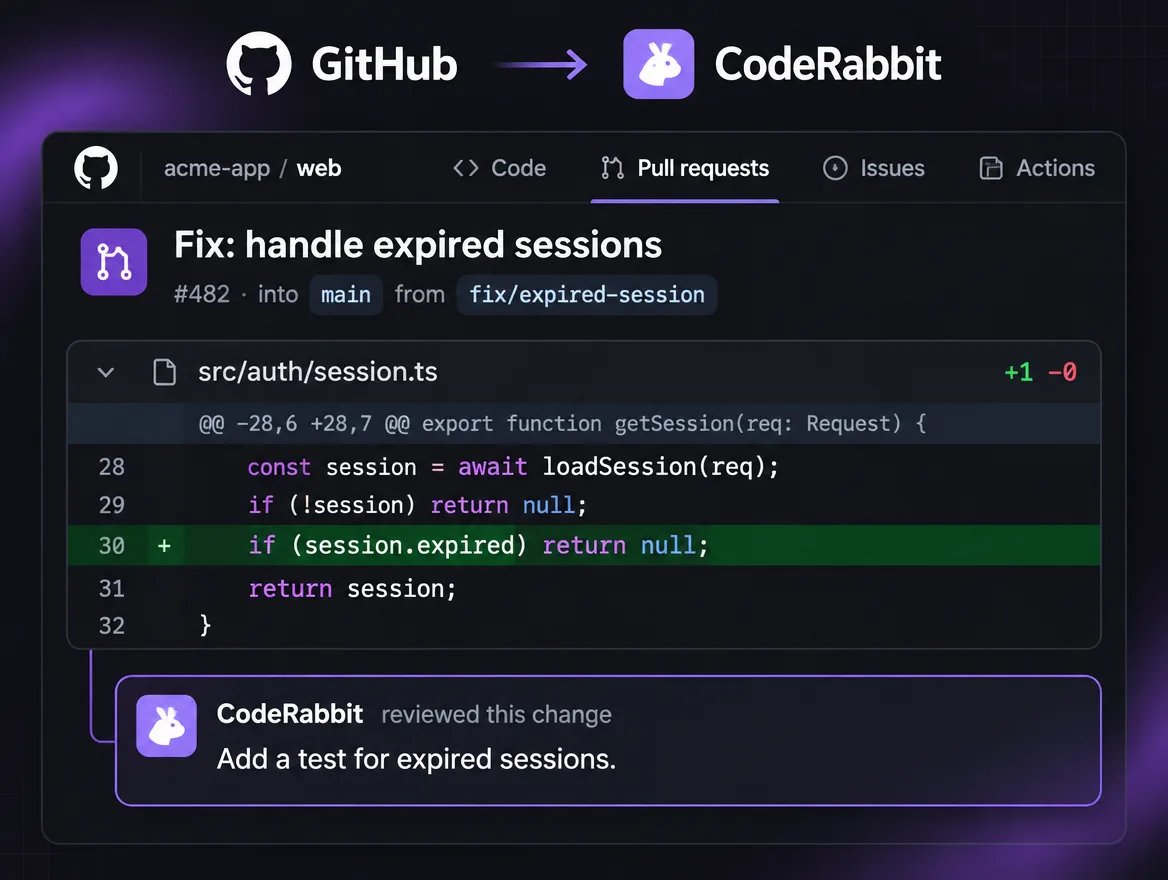
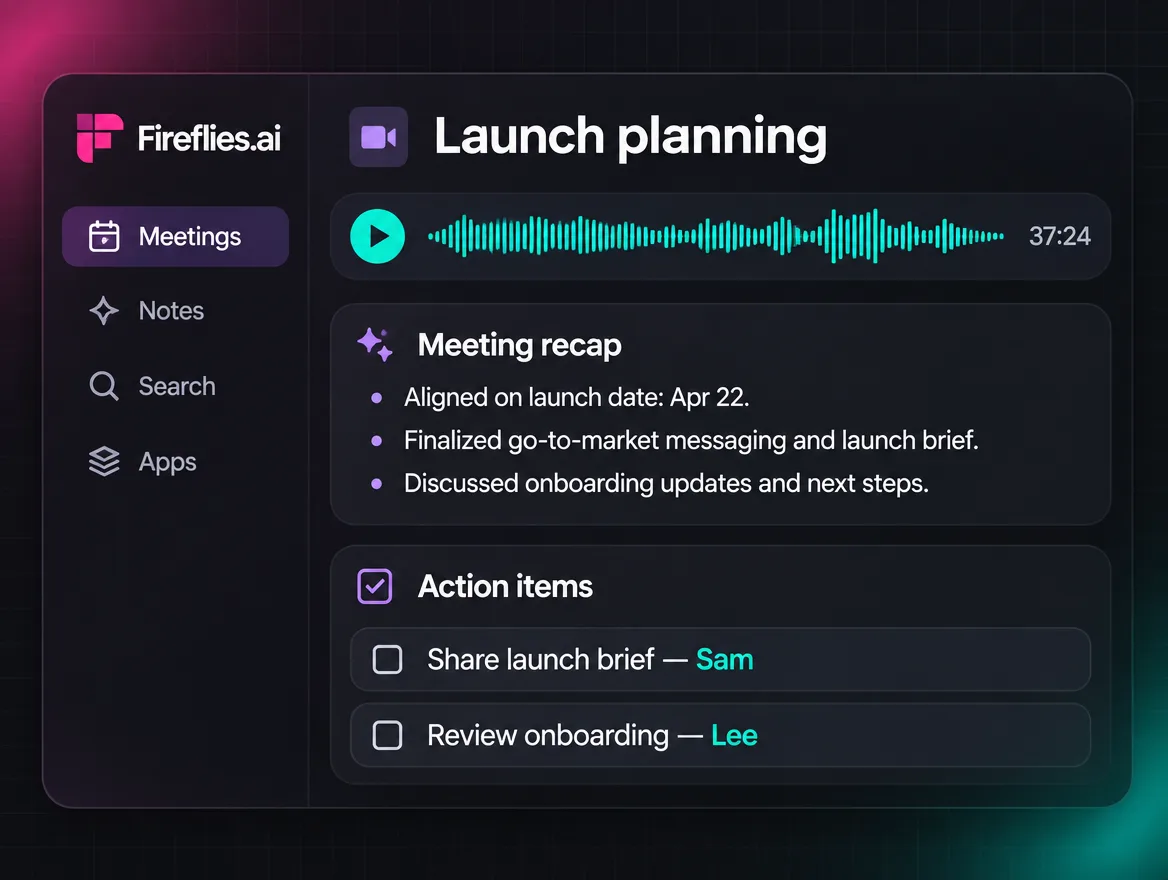
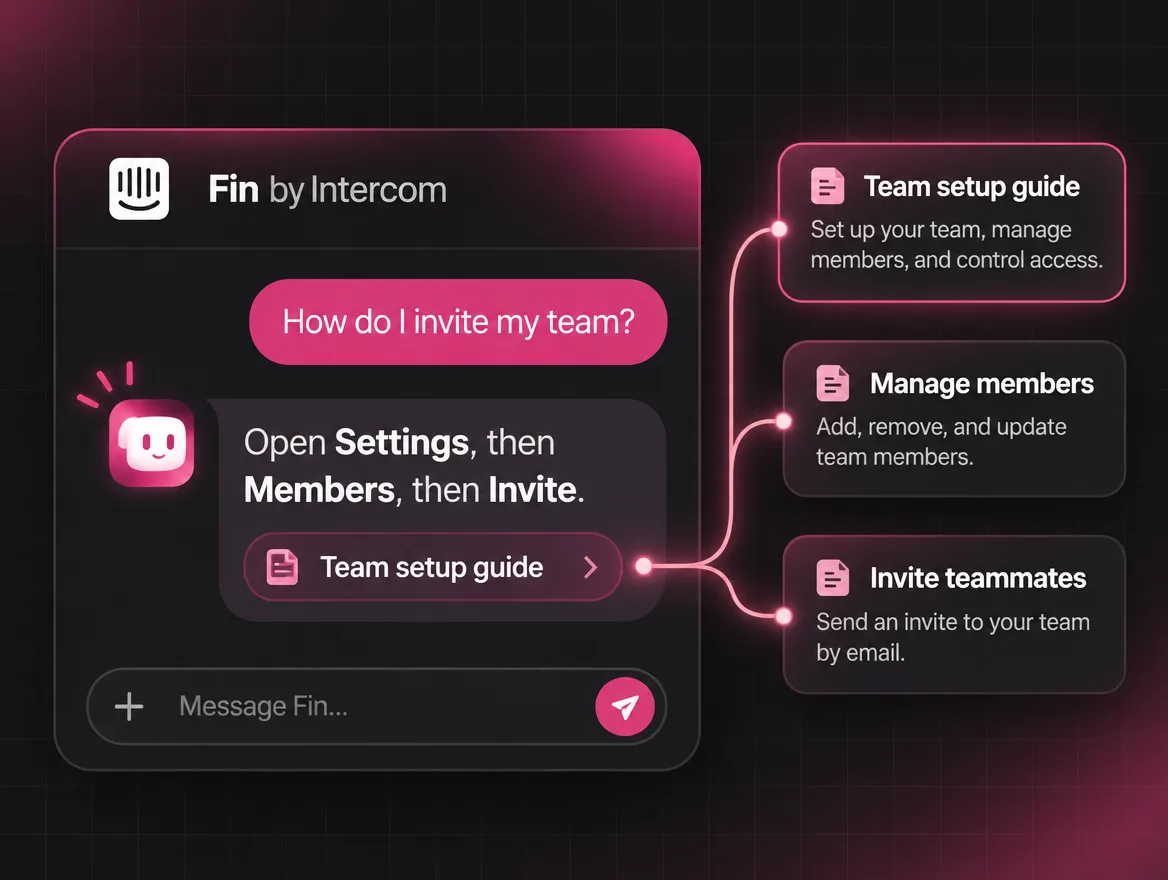
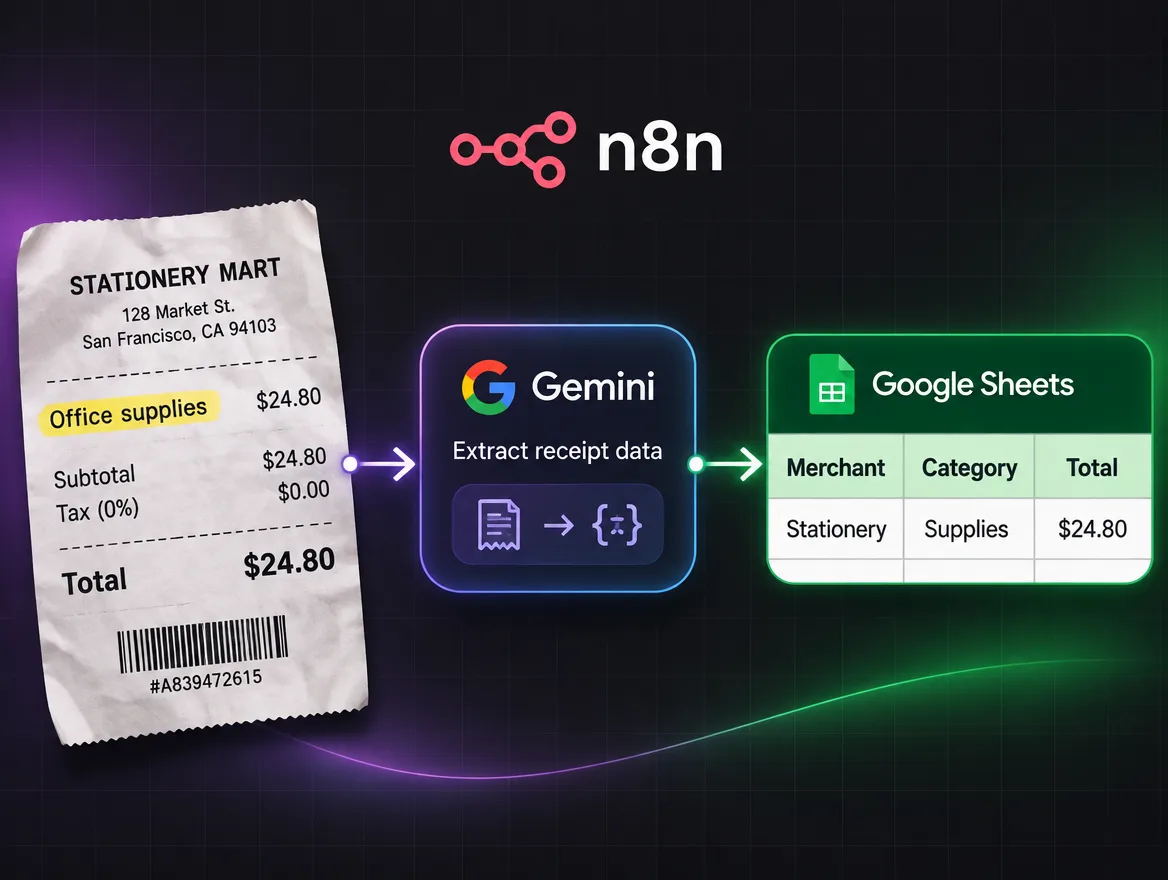
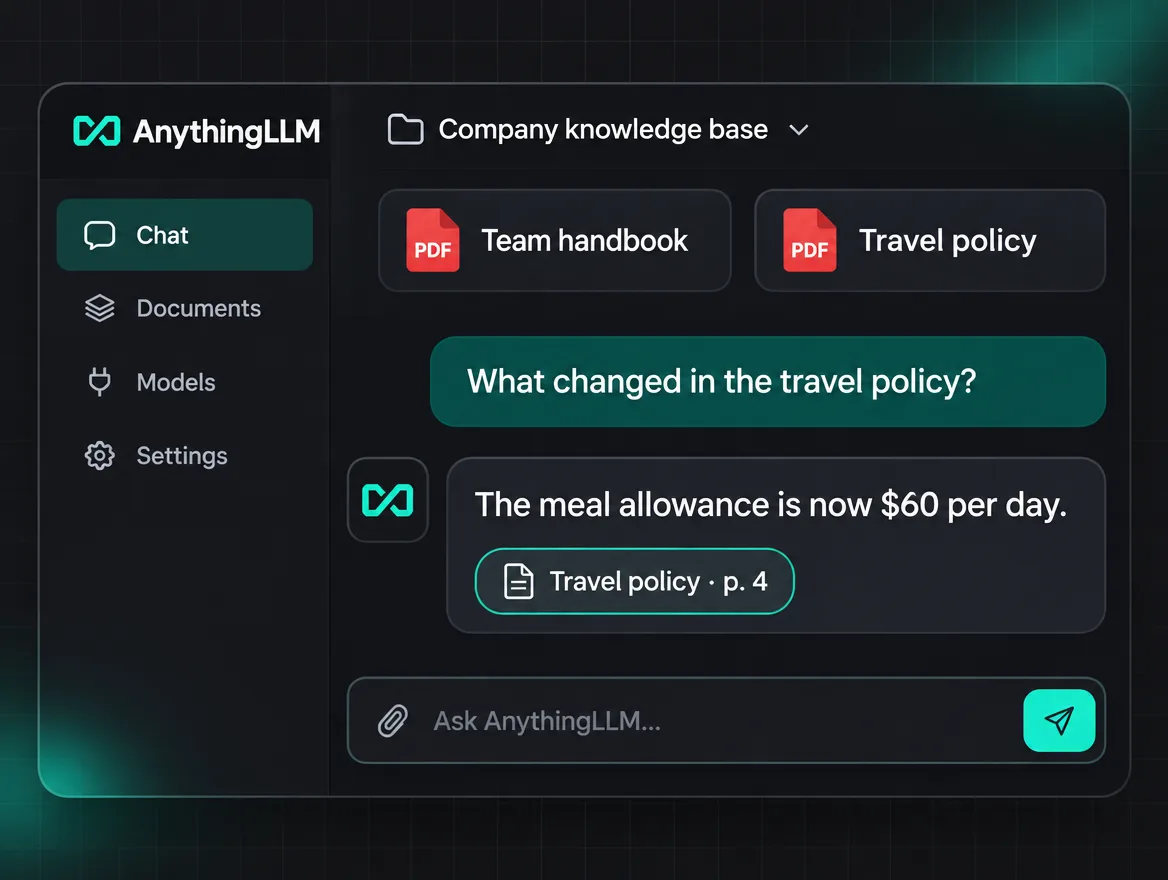
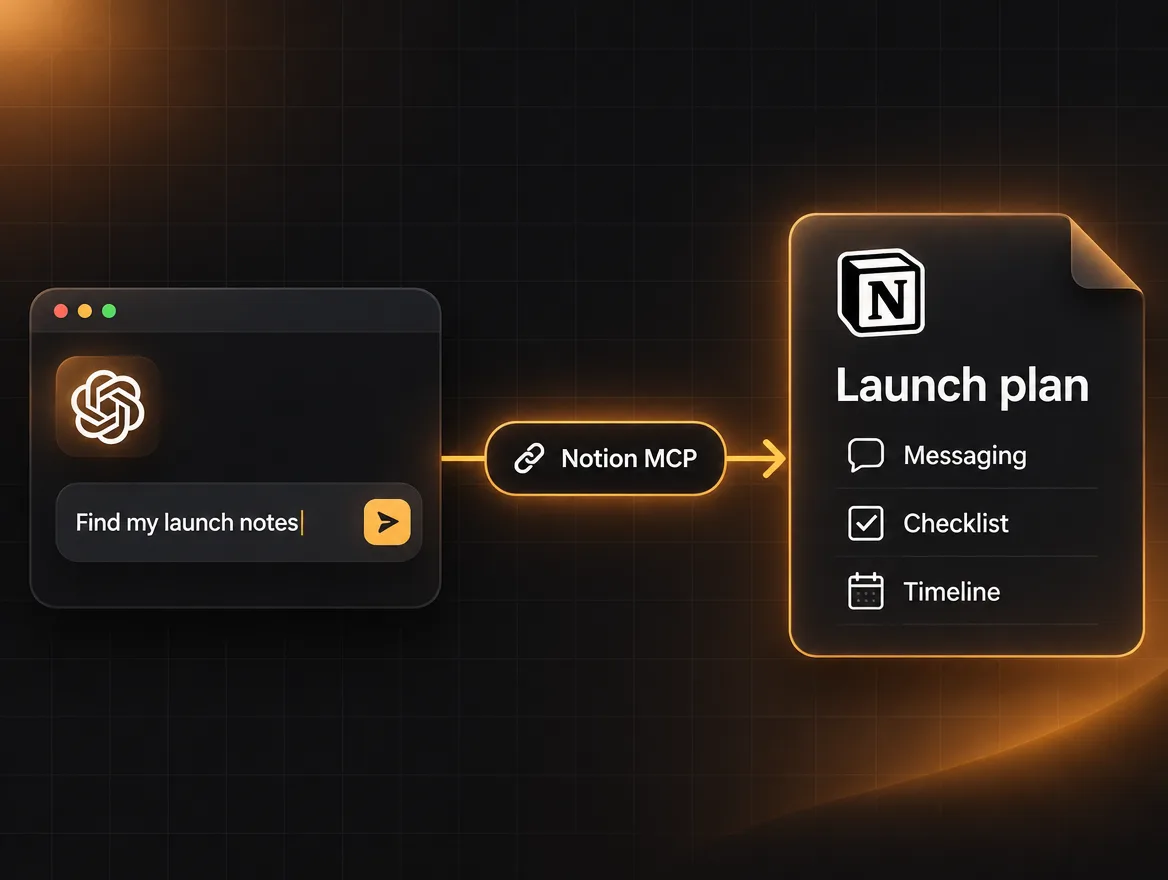
Browse what people are making.
Every post leads with the thing working. Drag to turn the ring.
What every post can show you.
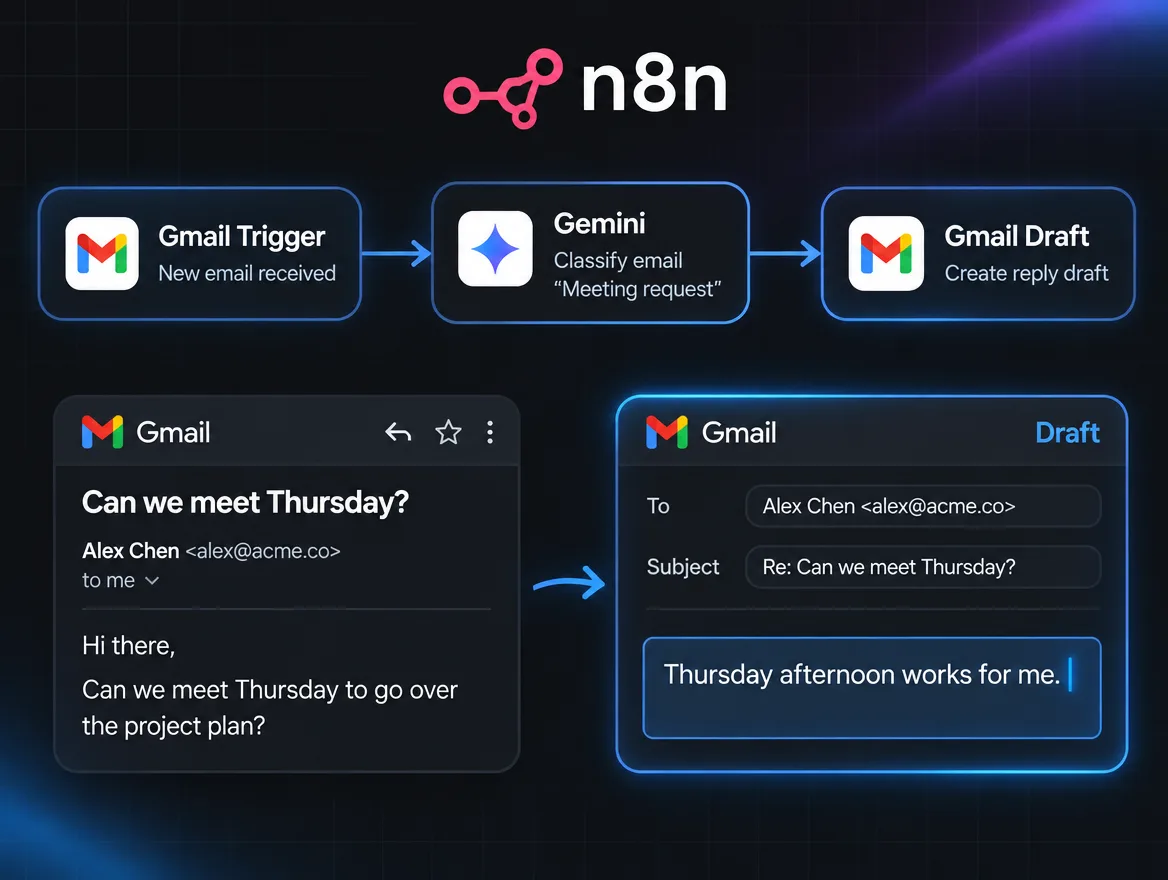
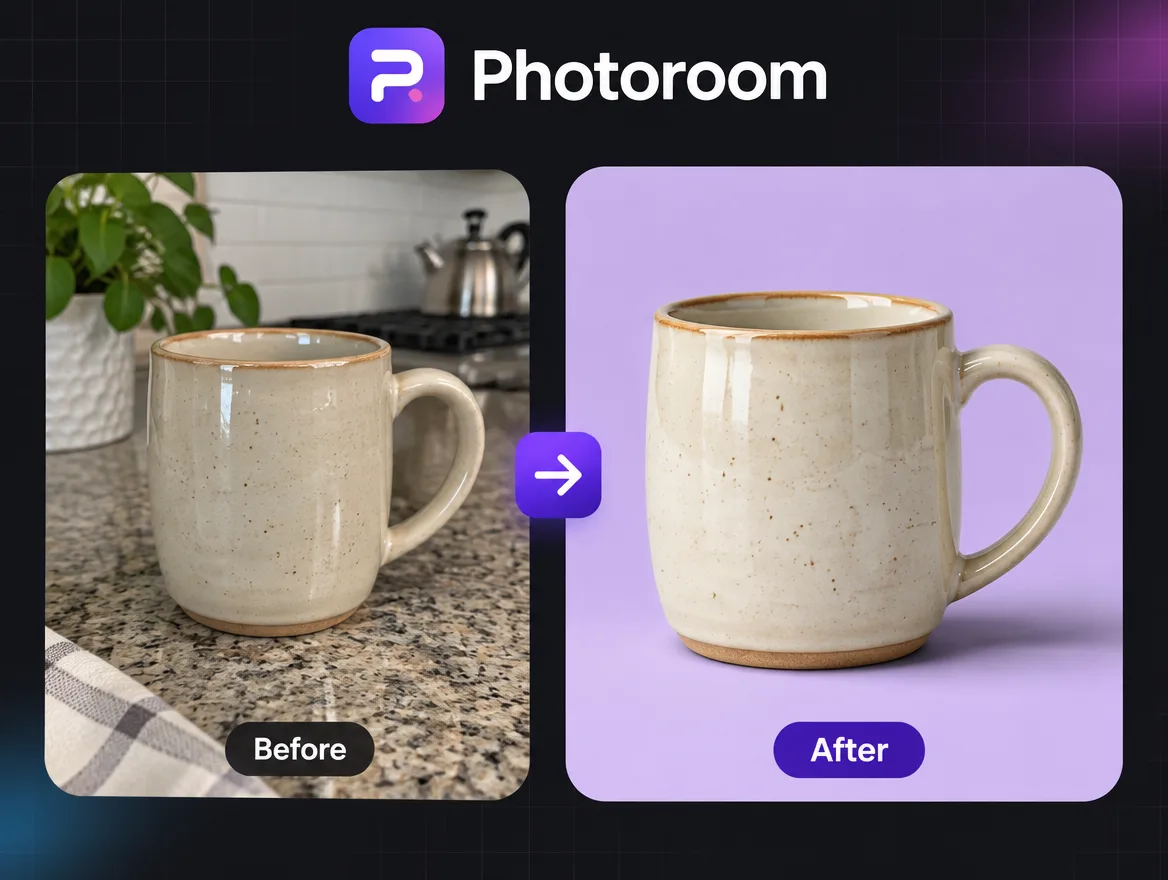
What it does, in action
A clip or a few screenshots of the tool doing its job, before you read a word of setup.
What you'll need
The accounts, tools and time it takes, so you know whether it's for you before you start.
How it's built
The steps, prompts and files, when the creator shares them. Enough to rebuild it, or just to see how it works.
What people asked
Questions and marked answers from the people who tried it before you, including the ones that went wrong.
Start with what interests you.
Fourteen categories to begin with, from agents to robotics. Topics like email, meetings and support narrow it to the job you have in mind.
- AI Agents
- Agentic Workflows
- AI Automation
- AI Coding
- AI Applications
- MCP and Integrations
- Image Generation
- Video Generation
- Audio and Voice
- AI Research
- Data and Analytics
- LLM Applications
- Robotics
- Other AI Experiments
Search for what you want done.
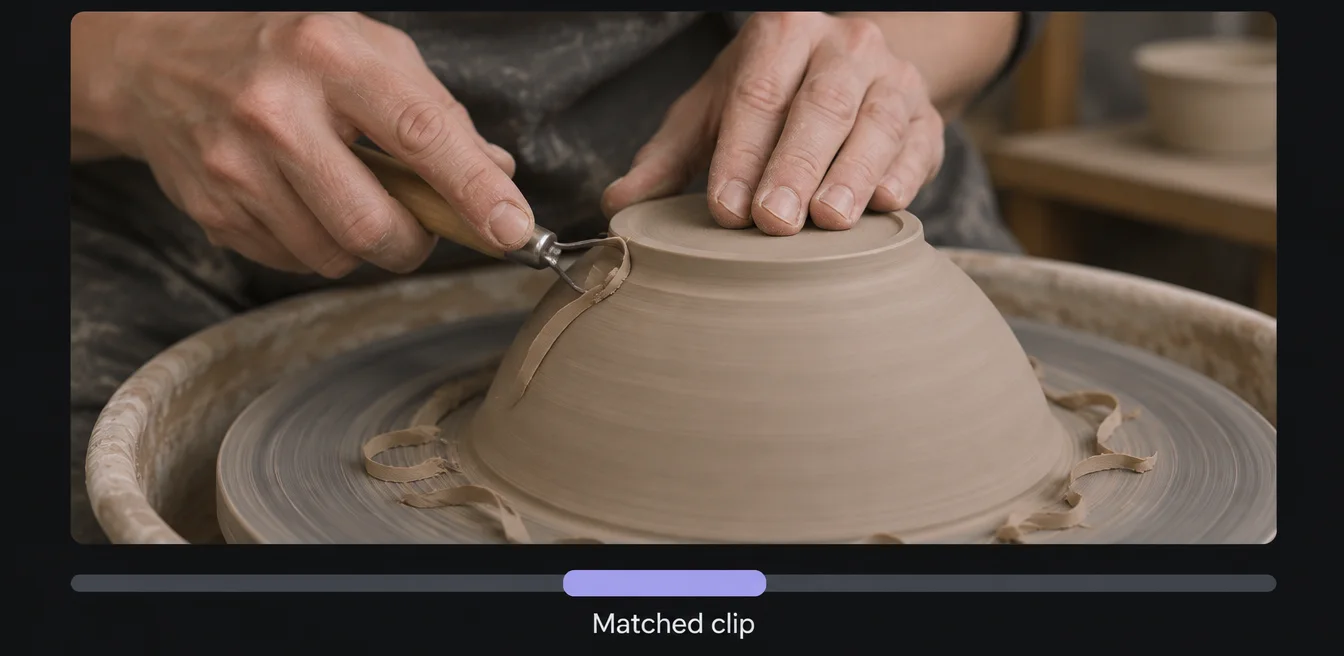
Type the job, or even the moment you’re after, like “find the potter trimming the bowl”. Search reads what each post does and what it’s built with, not only its title.
Filter by what it works with and how long it takes to set up.
Hear when something you saved gets better.
Save a post and you’ll hear when its creator posts an update, answers your question or someone posts a take on it.
You choose which notifications you get. We’d rather send you too few than teach you to ignore them.
Prototype preview of a notification list: a saved workflow got a new version, a creator answered your question, someone posted a take on a workflow you saved, and someone you follow posted something new.
Keep a library of things to try.
Save any post and sort what you save into collections with names that mean something to you, like “Automate my inbox” or “Try this weekend”.
Collections are private by default. Share one with your team when it’s useful to them too.
Ask the person who built it.
Every post has its questions underneath, sorted so the answered ones come first. The person who can answer yours is usually the one who made it.
Basic questions are welcome. Being useful to beginners is one of the three things we ask of every creator.
And if you want to make something?
Remix the post closest to what you need, change what doesn’t fit, and post your take. There’s no separate account for creators and no bar to clear first. Here’s how posting works.
Come and look around.
Evolunn is still being built. Leave your email and we'll write when there's a place for you.