A post shows it working, then shows how.
Every post on Evolunn leads with the thing working. Underneath is everything someone needs to try it: the recipe, the files, the questions people asked and every version built on it.
 Prototype preview
What’s in a post.
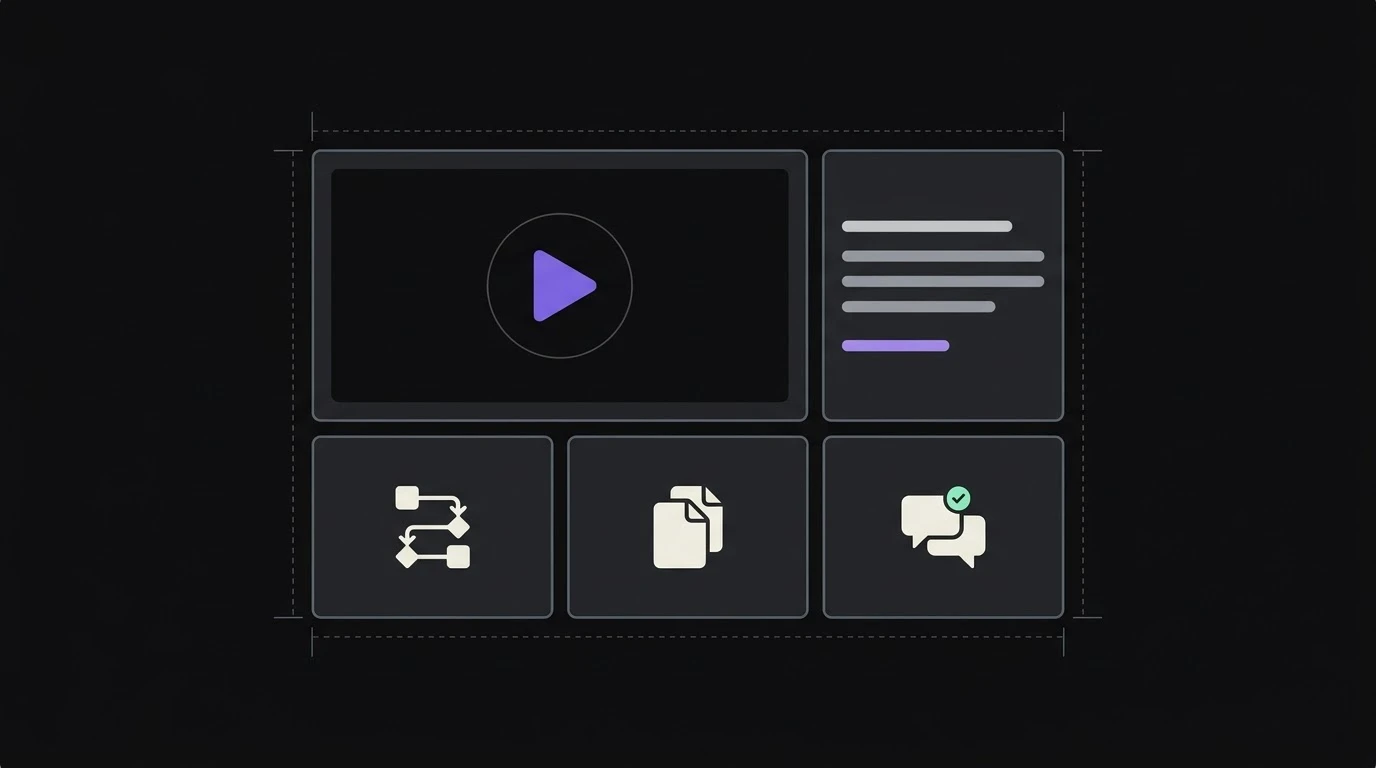
Six parts. Only the first is required. The rest are there for when you want people to try it themselves.
Show it workingRequired
A short clip or a few screenshots, a title and one sentence on what it does. This is what the feed shows.
How it's builtOptional
The recipe in steps, the tool behind each one, the prompts, and the decisions and dead ends behind them.
The filesOptional
Workflow exports, prompts, a README or a repository, ready to download or open in the tool it was built with.
What you'll needOptional
The accounts and tools it works with, and roughly how long it takes to set up.
QuestionsOptional
Questions under the post, sorted by Top, New or Unanswered, with the answer that worked marked.
Takes and updatesOptional
Every remix that credits it, and dated updates as it improves: new features, integrations, experiments.
Post in minutes. Add the build when you’re ready.
A small automation deserves a post as much as a multi-agent system does. Four steps, and you can stop after the second.
- 1
Show it
Upload a short clip or a few screenshots of it doing its job.
- 2
Say what it does
A title and a sentence. Pick a topic, like email or meetings, so people browsing for that job find it.
- 3
Share the build
Add the recipe, prompts and files, and choose whether people can remix it. All of it can wait.
- 4
Post
See it as others will, then post it or save it as a draft and come back.
Whatever you built it with.
A model from one place, a framework from another, an automation tool and a few of your own docs. Every post lists the tools behind it, so the whole stack is in one place.
Anyone trying it knows what they’d need before they start.
 Claude
 Cursor
 Hugging Face

 Notion
 n8n
 MCP
Remixing, with the credit built in.
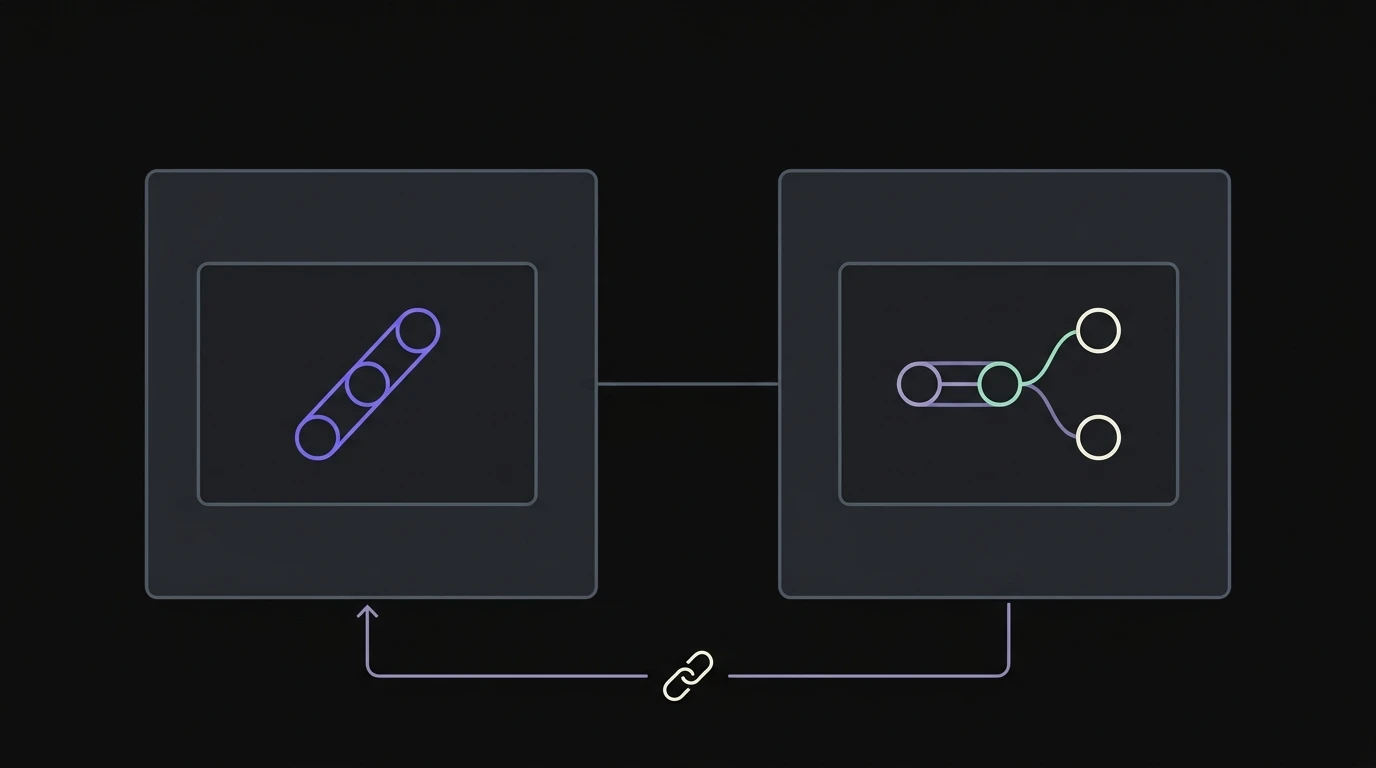
Press Remix and you get your own copy: the recipe, prompts and files, ready to change. When you post it, it’s marked as a take, links back to the original and names who made it.
On the left, the original. On the right, a take that changes one step. The line back carries the credit.
- What changed is shown, step by step and file by file.
- The original lists every take, most liked first.
- Creators decide whether a post can be remixed.
Updates reach the people using it.
A post that never changes is a listing. Post an update when something improves, and it joins the post’s history and reaches the people who saved it, built on it or follow you.
One link that explains the whole thing.
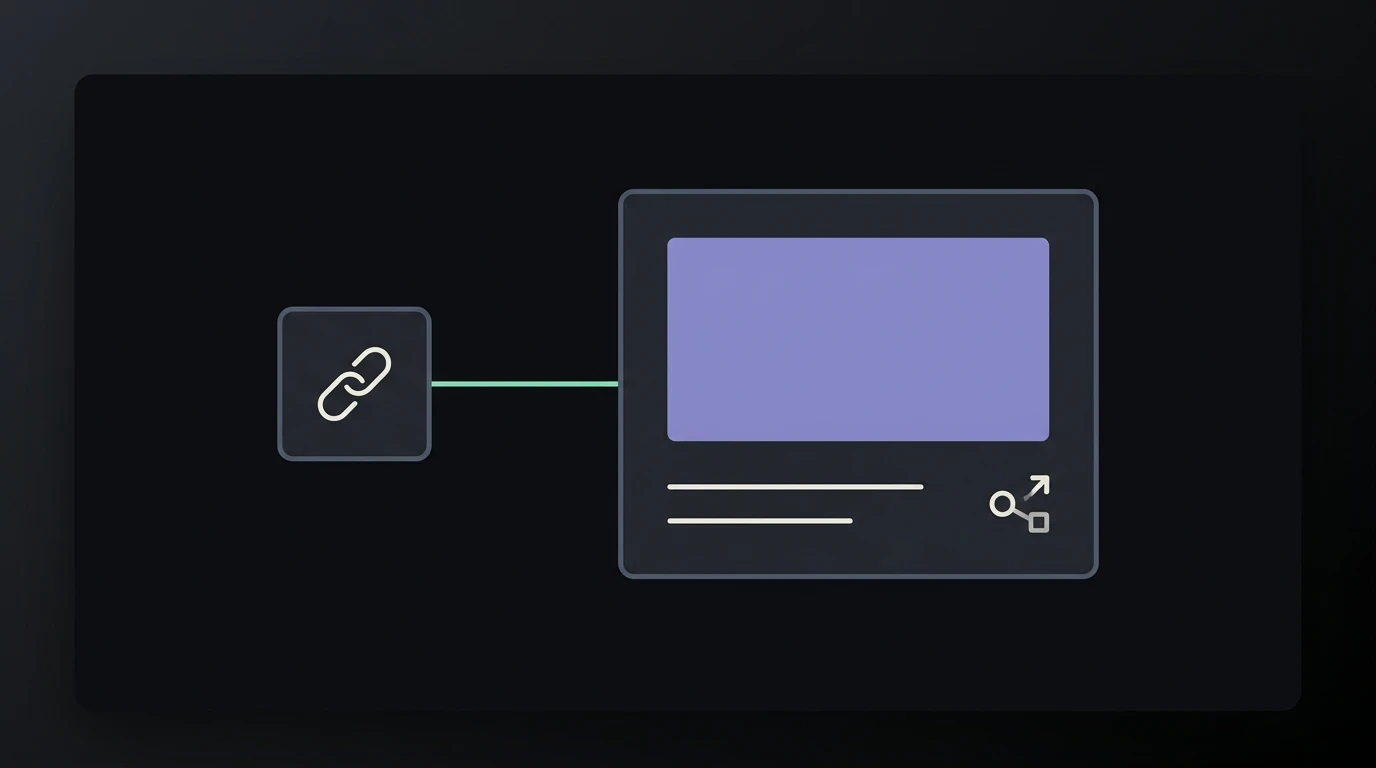
Every public post has a permanent address that search engines can read and that unfurls into a proper preview wherever you paste it.
Next time someone asks how it works, send the post.
 Prototype preview
A profile that works as a portfolio.
Your profile collects everything you’ve posted, the tools you work with and how many takes your work has inspired. It has its own address, so it can go in a bio or on a CV.
It shows what you made and what people built from it, which says more than a list of skills.
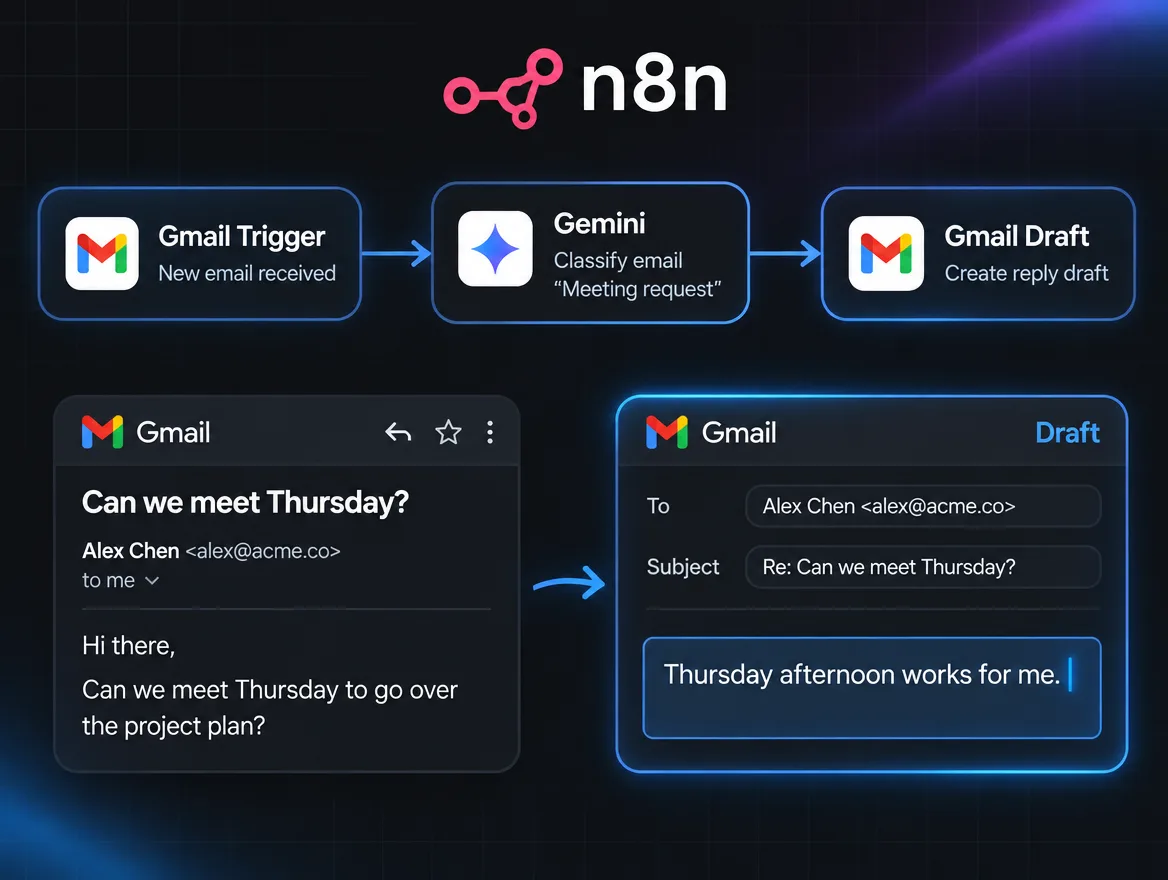
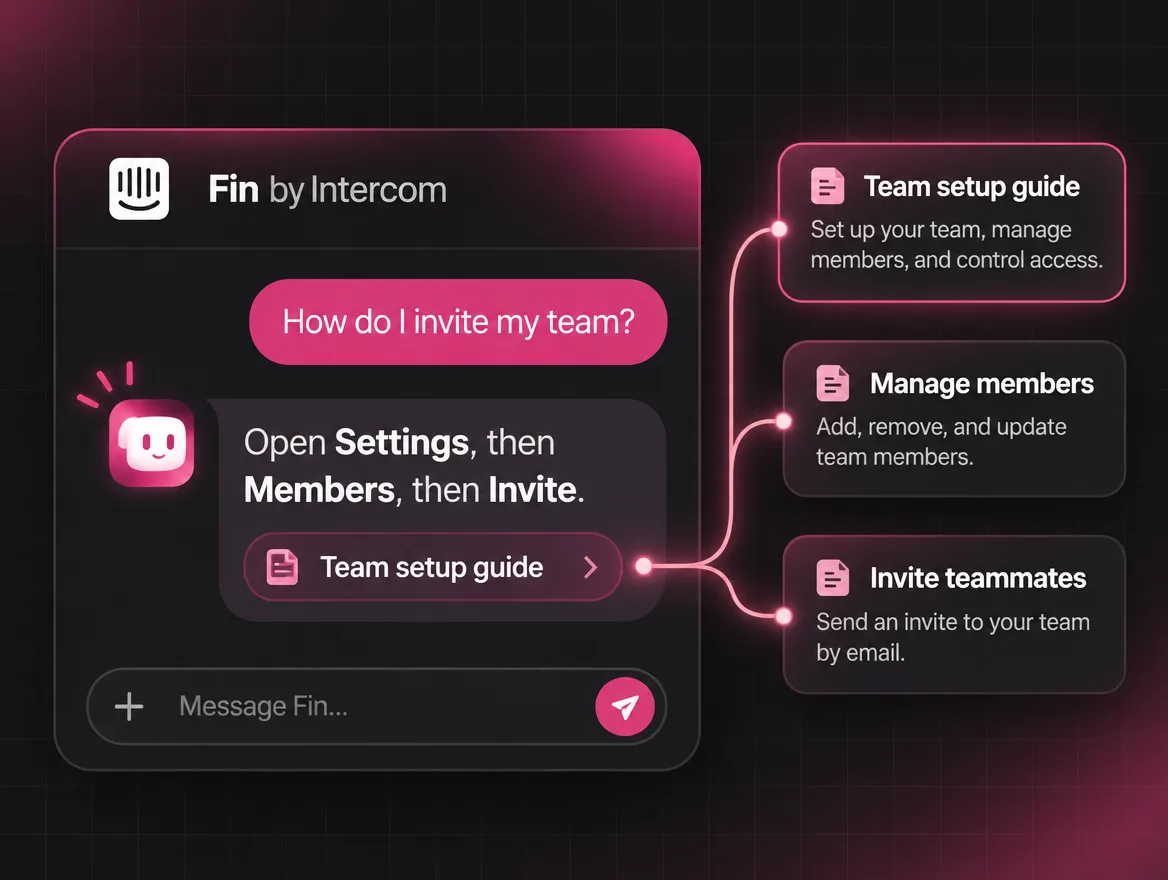
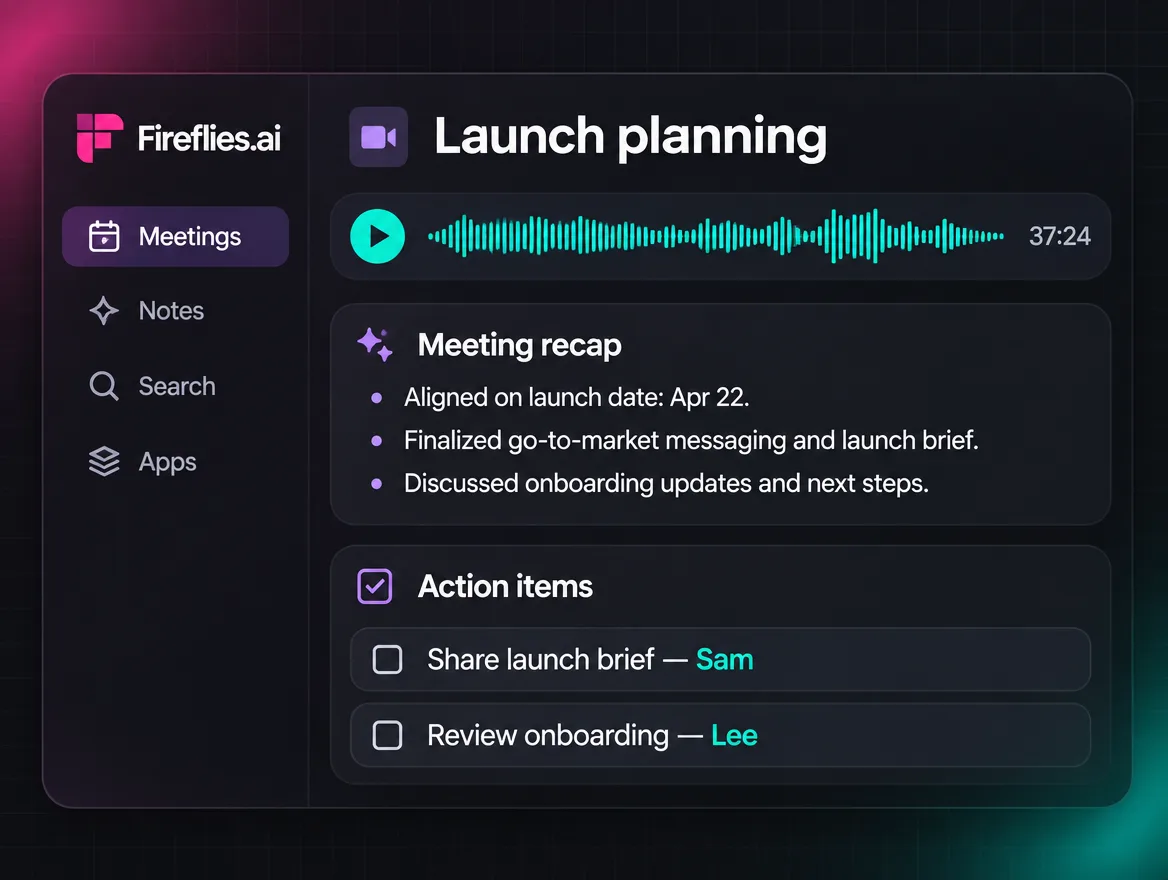
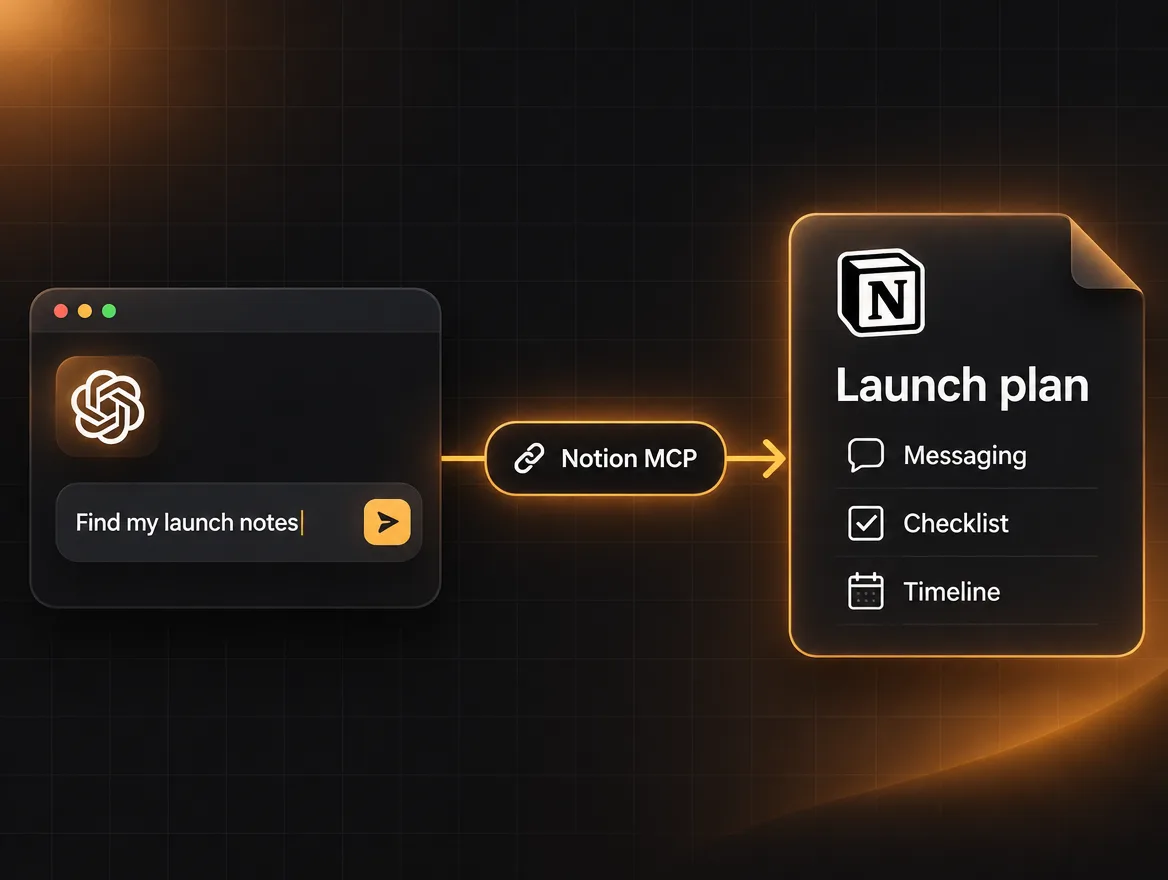
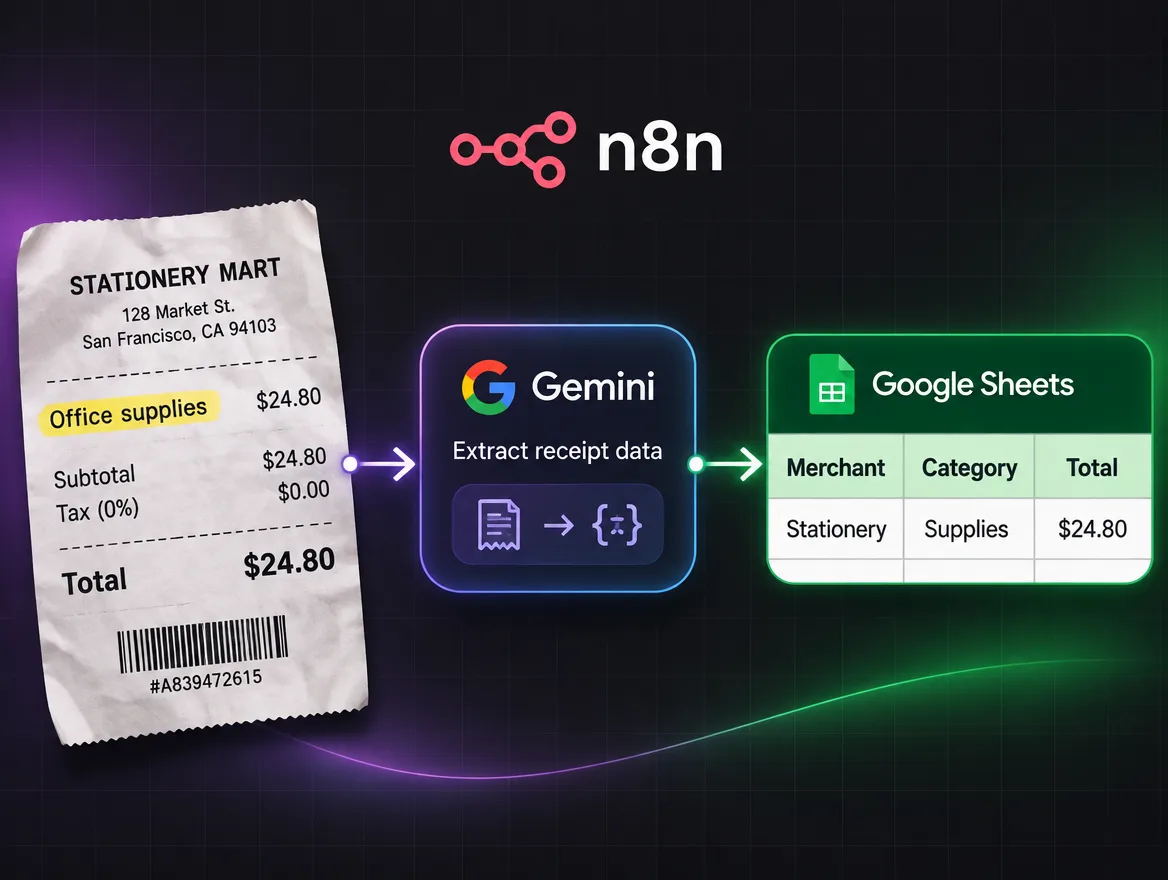
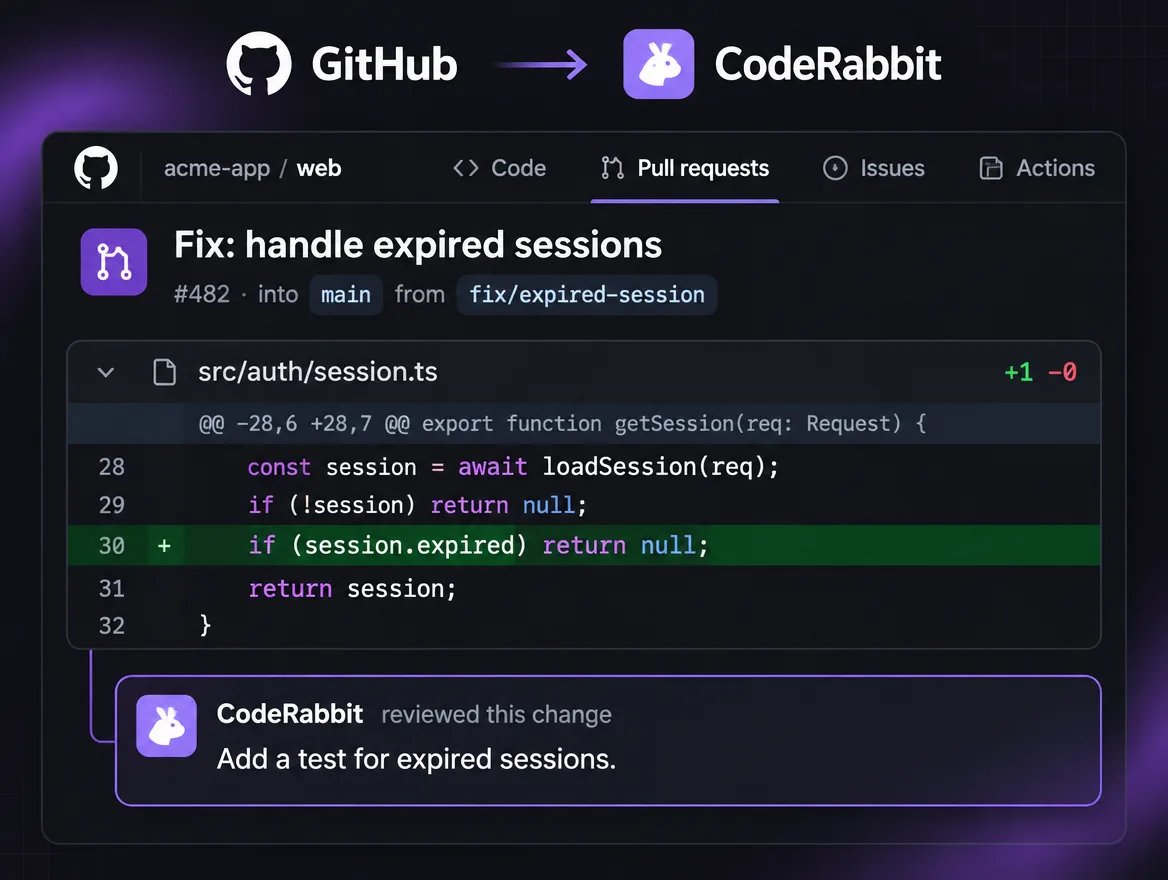
If you’re here to post.
There’s no separate account for creators and no bar to clear first. The first people invited in will be the ones with something to post, a few at a time, because a feed is only worth browsing once there’s real work in it.
Being early means your posts are among the first things anyone sees, and that what you tell us is missing gets built. It also means rough edges. We’d rather you knew that going in.
Three things we ask
Post what you made.
Tools, workflows, agents, experiments and what you learned from them. Not news, not reposts, not a thread of predictions.
Say what's real.
If the demo is staged or the result was the best of ten tries, say so. People will trust the rest more.
Be useful to beginners.
Someone trying your workflow may be setting up their first one. Answer the simple question the way you'd have wanted it answered.
Made something worth posting?
Evolunn is still being built. Leave your email and we'll write when there's a place for you. Bring something you've made, or a job you'd like AI to take off your hands.